Conversation
Conduct the consultation as usual. Recording, pausing, and resuming remain under your control.
Download KiPT Voice directly and install it on your practice computer. Start your free trial in the application. No contact request, consultation or personal approval is required.
From download to your first consultation, at your own pace.
Download the installer using the button. No registration or contact request is required for the download.
Open the downloaded installer and launch KiPT Voice. Activate your free trial in the application first.
Enter your email address and select ‘Try for free’. The free checkout opens in your browser. Your licence key appears immediately and is also emailed to you. Enter it in KiPT Voice. No credit card is required.
After activation, KiPT Voice guides you through setup. Download the required language files, choose your microphone and follow the system check. Try your workflows and note templates. Confirm consent before every recording, and review and correct every draft.
If KiPT Voice fits your practice, choose a plan. Without your explicit decision, the trial ends after 14 days. It does not automatically become a paid subscription.
KiPT Voice fits between the consultation and your existing practice software. Clinical responsibility and final documentation remain with you.
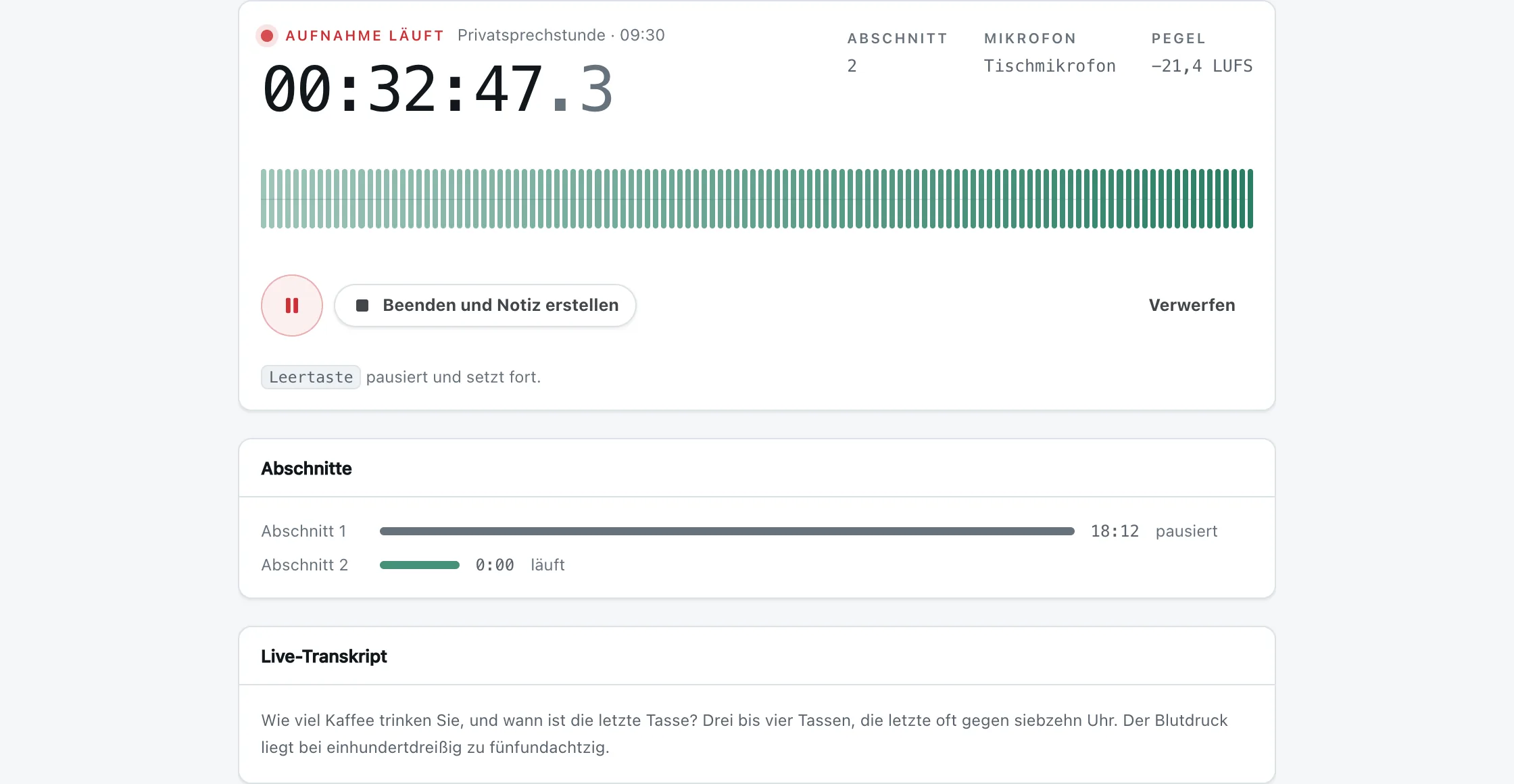
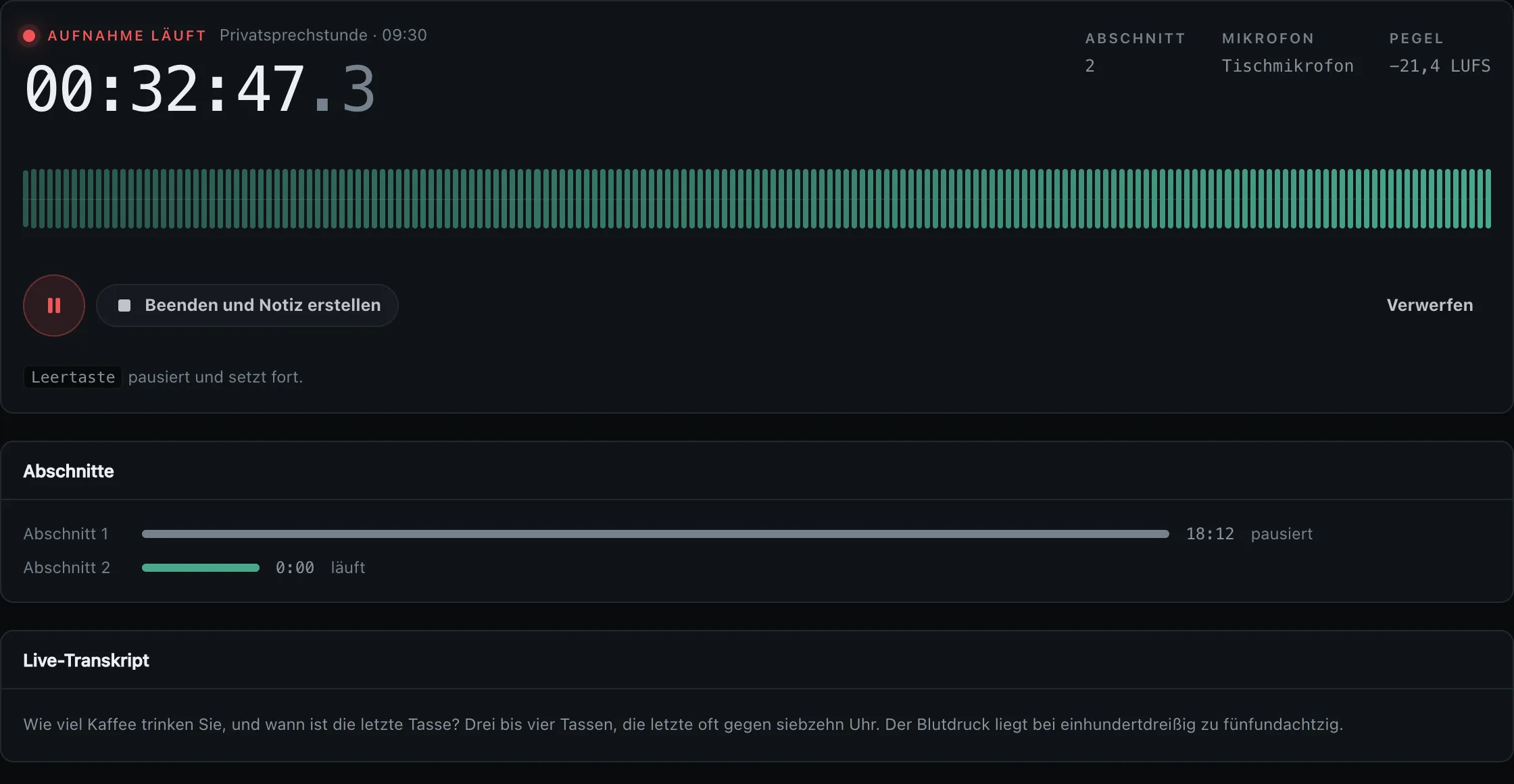
Conduct the consultation as usual. Recording, pausing, and resuming remain under your control.
Audio processing and transcription run on your practice computer. Only transcript text is processed for speaker attribution and the draft.
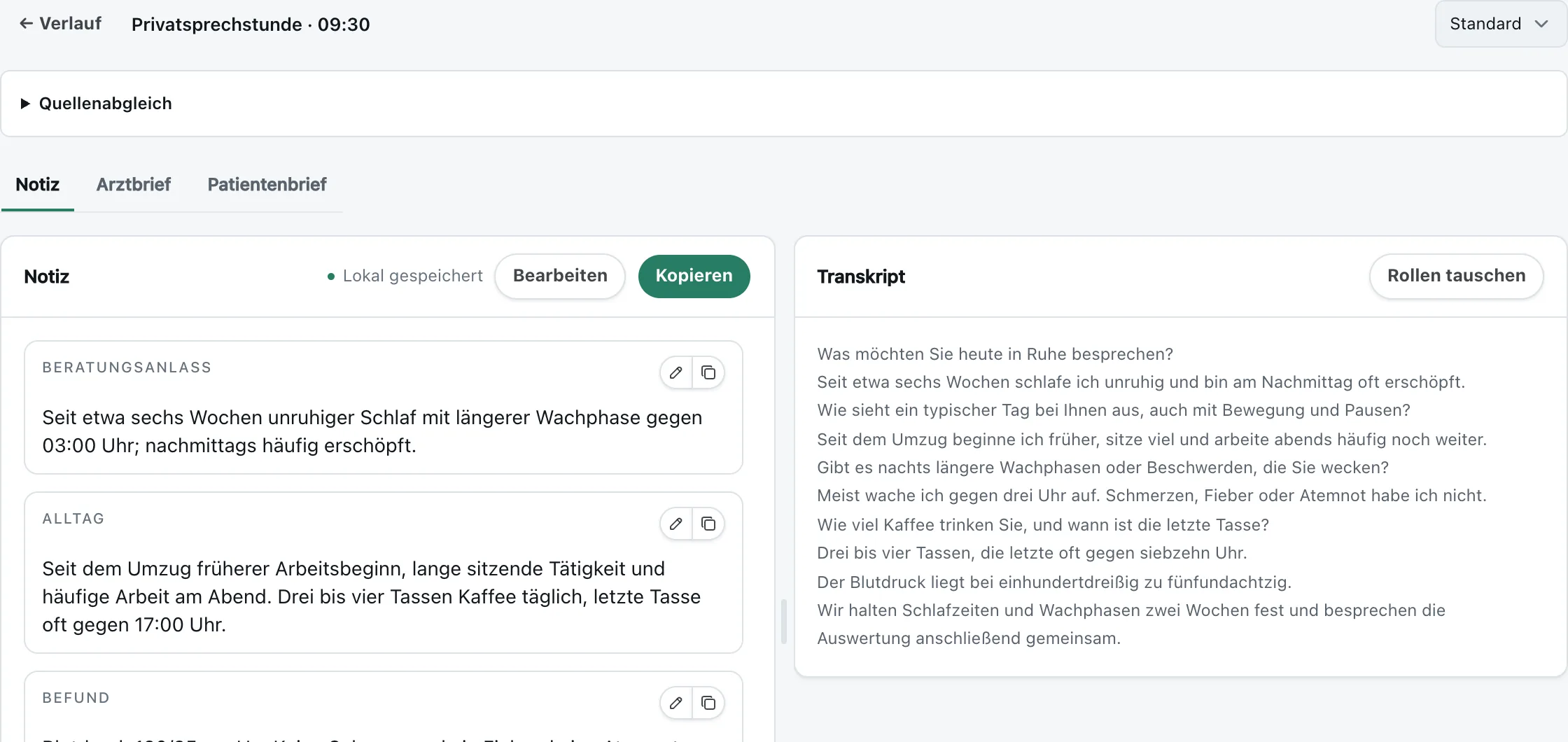
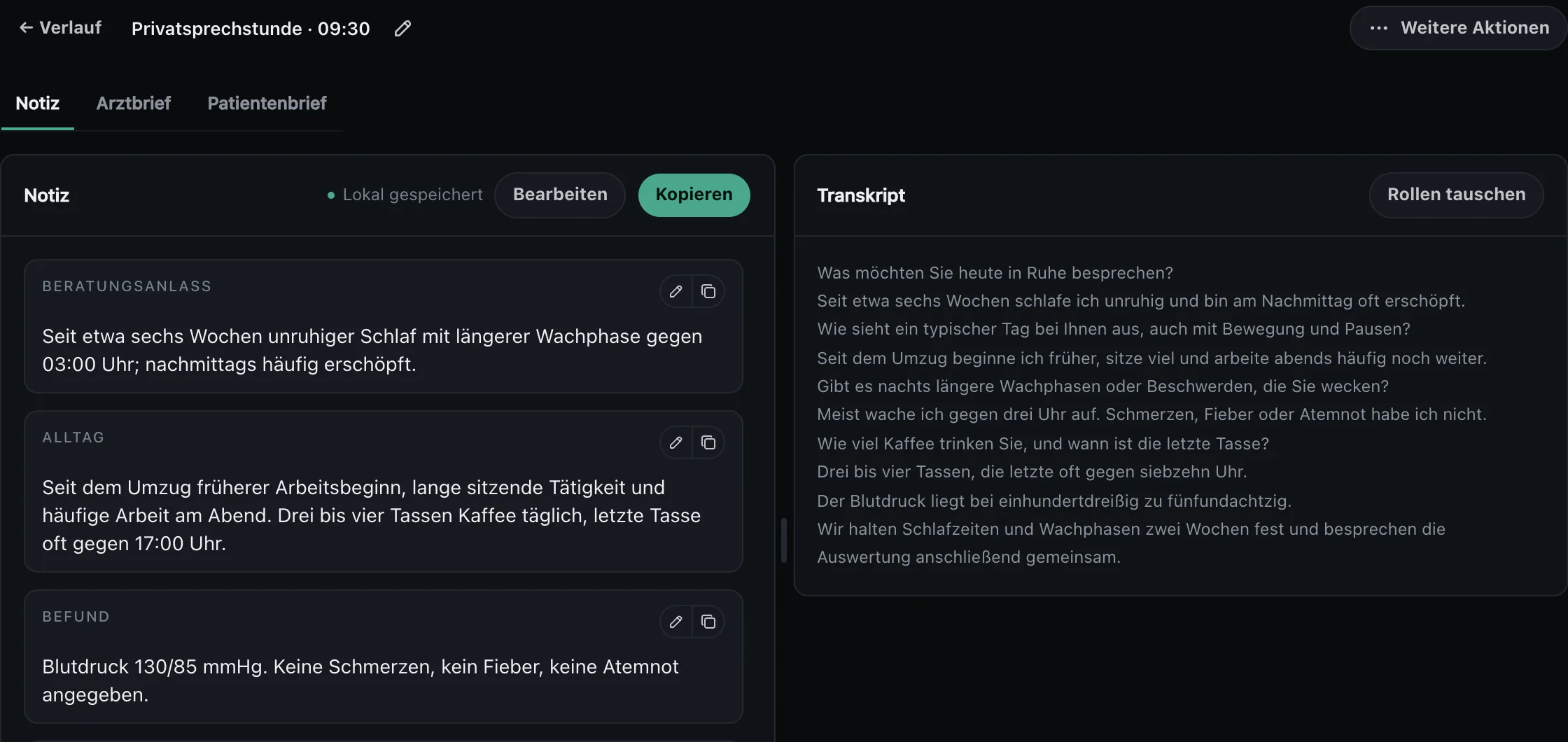
KiPT Voice structures what was said. You review and edit the German draft before transfer.
A phone call, a question, or a short examination: pause and resume the same recording. Every section stays together in one session.
The separation is concrete: KiPT Voice does not transmit the audio recording. If the draft is created outside the practice computer, only transcript text is sent for that purpose.
No audio transmission. KiPT Voice does not train on your content. Your practice decides where the draft is created.
KiPT Voice comes with practical templates for the organisational steps around consent and privacy; they are available at ki-praxis-tools.de/datenschutz-paket/ (in German).
Templates are not legal advice and must be reviewed and completed for your practice.
For informed agreement before recording begins.
Clear information about purpose, process, and voluntary participation.
A working foundation for your privacy documentation.
Built for real, long practice conversations.
KiPT Voice is developed in close feedback with a German practice. So test it not on a polished demo but in your real workflow: with interruptions, questions, and your way of documenting.
Developed with a German medical practice, which remains anonymous for confidentiality.Both plans are per physician and contain the same product: the application, every update, email support and the privacy package. The difference is the term; you choose the number of physicians at checkout.
The first 14 days cost nothing.
Would you like assistance? Email us or use the optional form. Downloading and starting the trial do not depend on it.
Send a question by emailIf you would like help with setup, you can send us a request here. This is optional. You can download, install and activate the application independently.
Your optional request has arrived. We will get back to you personally. You can already download KiPT Voice and start the trial yourself in the application.
The complete application, activation for 14 days, the data-protection package and email support. Download the application and start the free trial there. Your licence key appears immediately after the free checkout and is also emailed to you. Setup assistance is optional.
Windows 11 or a Mac with an Apple chip. Depending on how draft creation is set up, an internet connection may be required; the audio recording itself is never transmitted.
You review the draft in KiPT Voice and copy the final version directly into your existing practice software. This does not require a vendor-specific integration.
No. We do not request payment details. After 14 days you choose a plan or do nothing; then the trial simply ends.
€49.99 per physician per month on a twelve-month term or €59.99 cancellable monthly, both including 19% VAT. You choose the number of physicians at checkout and can change it at any time. You explicitly decide whether and how to continue.
No recording takes place. Consent before recording is a fixed product requirement.
The current Windows installer is not digitally signed yet. Windows may therefore show a notice about an unknown application. Download KiPT Voice only through this website. If Windows SmartScreen blocks it, check the download source, then use ‘More info’ and ‘Run anyway’ if your practice’s IT policy permits it. Our optional setup support can help with questions.